

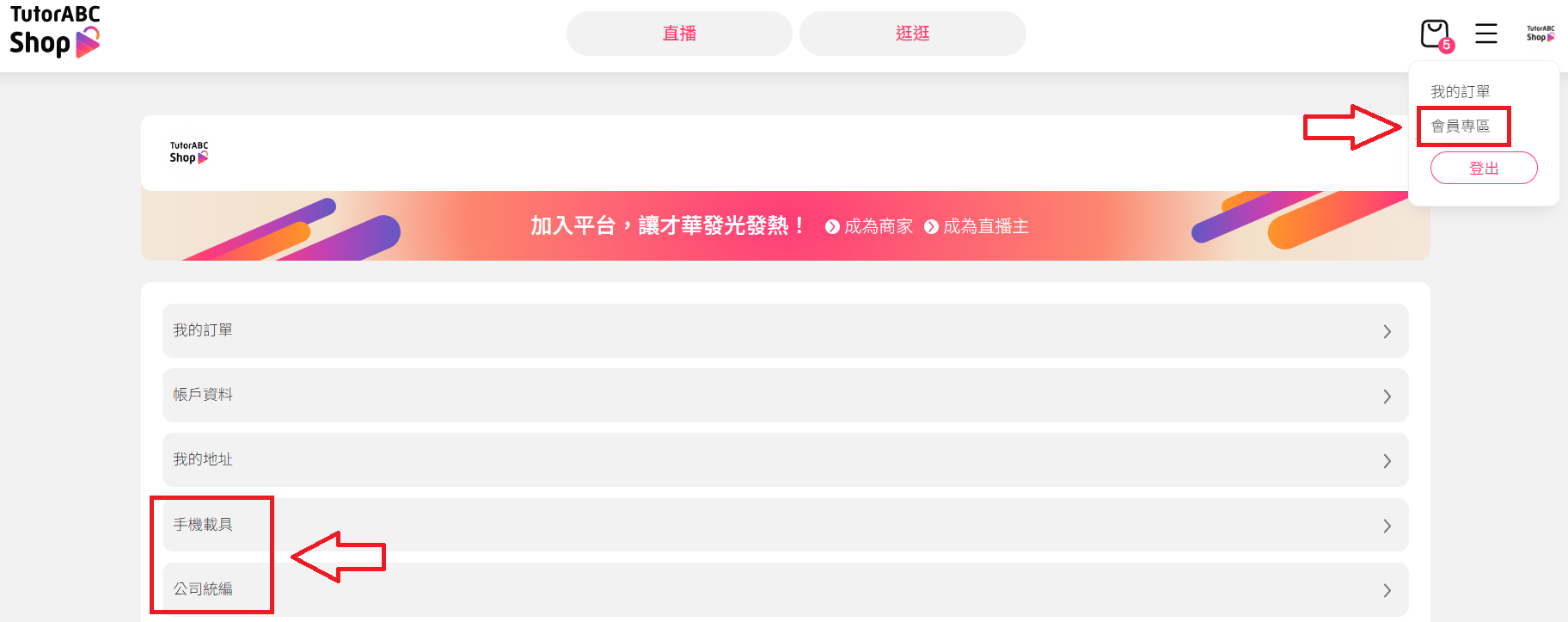
Open the TutorABC Shop website ➜ tap your profile picture at the top right ➜ Member Centre ➜ Mobile Carrier, Company Tax ID to edit them.
Last updated: 2026/11/04
Open the TutorABC Shop website ➜ tap your profile picture at the top right ➜ Member Centre ➜ Mobile Carrier, Company Tax ID to edit them.
Did this answer your question?
Still need help?
Reach out to our support team and we'll be happy to help
